
Website Design for St. Thomas Businesses: What Actually Converts Visitors Into Customers
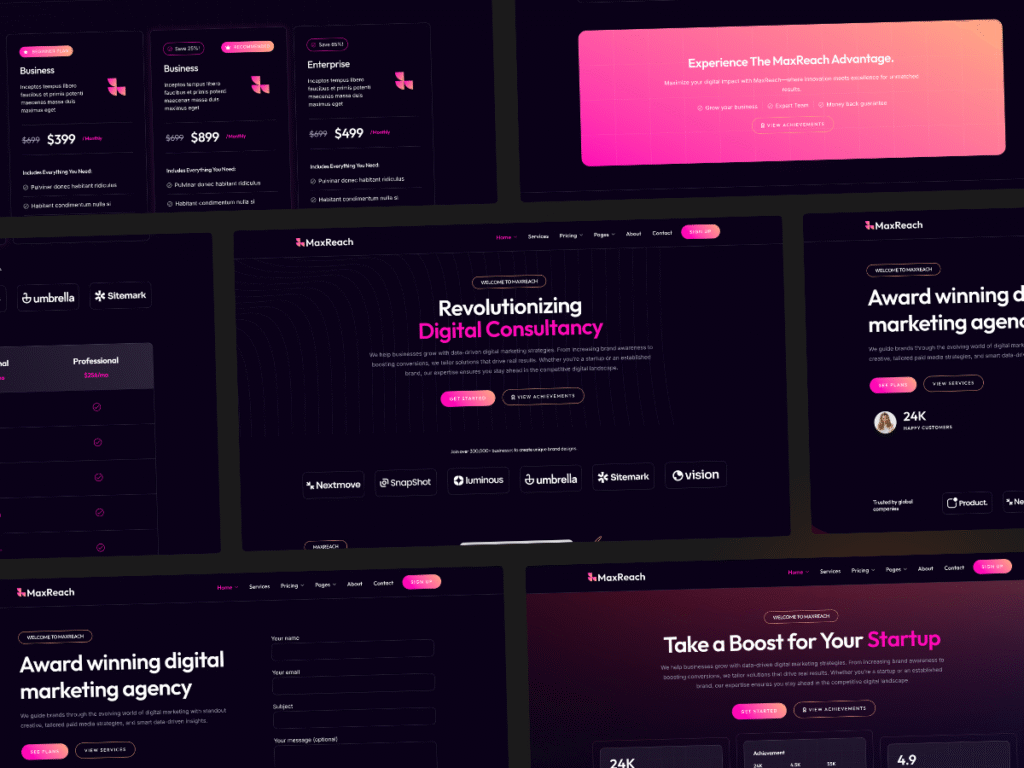
A website that looks beautiful but does not generate leads or bookings is an expensive digital brochure. St. Thomas businesses need websites that perform, not just websites that impress. The difference between a website that converts and one that does not comes down to specific design decisions, not aesthetics.
The Digital Lab builds websites for businesses across the USVI, and we measure success by one metric: does the website generate revenue for the business? Everything else is secondary.
What Makes a Website Convert
Conversion rate optimization (CRO) is the science of turning website visitors into customers. For St. Thomas businesses, conversion means a phone call, a booking, an email inquiry, or an online purchase.
The average website conversion rate across industries is 2.35%, according to WordStream’s 2025 benchmark data. The top 25% of websites convert at 5.31% or higher. The difference is design, not traffic.
Essential Design Elements for Conversion
1. Clear Value Proposition
A visitor should understand what you do, who you serve, and why they should choose you within five seconds of landing on your homepage.
What works:
- “St. Thomas’s Highest-Rated Snorkeling Tours | Small Groups, Maximum Marine Life”
- “Charlotte Amalie’s Best Restaurant | Oceanfront Dining Since 1998”
- “St. Thomas Web Design | We Build Websites That Generate Revenue”
What does not work:
- “Welcome to Our Website”
- “We Are a Leading Provider of Digital Solutions”
- “Innovative Strategies for Modern Businesses”
2. Prominent Calls-to-Action
Every page needs a clear next step for visitors. The call-to-action should be visible without scrolling and repeated throughout the page.
Effective CTA examples:
- “Book Your Tour Now”
- “Get a Free Quote”
- “Call Us: (340) 555-0123”
- “Check Availability”
CTA placement:
- Above the fold on the homepage
- In the navigation bar
- After each major content section
- At the bottom of every page
- As a sticky button on mobile
3. Trust Signals
Visitors need reasons to trust your business before they take action. Include these on every page:
- Customer reviews and testimonials
- Star ratings from Google, Yelp, or TripAdvisor
- Logos of clients or partners
- Certifications and awards
- “As featured in” media mentions
- Years in business
- Number of customers served
4. Mobile-First Design
Over 75% of web traffic comes from mobile devices. Your website must be designed for mobile first, then adapted for desktop.
Mobile design requirements:
- Touch-friendly buttons (minimum 44×44 pixels)
- Click-to-call phone numbers
- Simplified navigation (hamburger menu)
- Fast loading (under 3 seconds)
- Forms that are easy to fill on a phone screen
- No horizontal scrolling
5. Fast Loading Speed
Website speed directly impacts conversions. Google reports that 53% of mobile visitors leave a site that takes longer than 3 seconds to load.
Speed optimization techniques:
- Compress all images to under 100KB
- Use a content delivery network (CDN)
- Minimize HTTP requests
- Enable browser caching
- Use fast, reliable hosting
- Minimize plugin usage
St. Thomas-Specific Design Considerations
Tourism-Optimized Design
For businesses serving tourists, your website must accommodate:
Time-constrained visitors: Cruise ship passengers have limited time. Show key information (location, hours, pricing) immediately without requiring navigation.
International visitors: Include pricing in US dollars. Provide clear directions from popular landmarks. Mention any passport or ID requirements.
Impulse decision-makers: Tourists often make spontaneous decisions. Make booking as fast as possible with minimal form fields.
Local Business Design
For businesses serving residents, your website should emphasize:
Convenience: Show location, hours, and contact information prominently. Include parking information and public transit access.
Community connection: Highlight your involvement in the St. Thomas community. Feature local partnerships and sponsorships.
Service details: Residents want specifics. Include pricing, service descriptions, and what to expect.
Real Estate and Professional Services
For professional services, your website must establish credibility:
Expertise signals: Display credentials, experience, and specializations prominently.
Resource content: Publish guides, market reports, and educational content that demonstrates your knowledge.
Contact options: Offer multiple ways to connect: phone, email, contact form, and scheduling tools.
Website Features That Drive Revenue
Online Booking and Reservations
Any business that schedules appointments or reservations should offer online booking. This reduces friction and captures bookings outside business hours.
Popular booking tools:
- Calendly (service businesses)
- OpenTable (restaurants)
- FareHarbor (tour operators)
- Custom booking systems (for unique needs)
Live Chat
Live chat increases conversion rates by 20-40% according to Forrester Research. For St. Thomas businesses, live chat captures inquiries from tourists who have questions but do not want to make a phone call.
Email Capture
Every website should collect email addresses. Offer a lead magnet: “St. Thomas Travel Guide,” “Local Business Directory,” or “Special Offers Newsletter.” Building an email list creates a marketing asset you own and control.
Social Proof Integration
Display real-time social proof on your website:
- “Sarah from New York just booked this tour”
- “4.9 stars from 250+ Google reviews”
- “Featured in St. Thomas Source”
The Website Design Process
Phase 1: Discovery and Strategy
Before any design work begins, define:
- Your target audience (tourists, locals, or both)
- Your primary conversion goals (bookings, calls, emails)
- Your competitive advantages
- Your brand personality and messaging
Phase 2: Design and Development
The design phase focuses on:
- Wireframing key pages
- Visual design aligned with your brand
- Mobile responsive development
- Speed optimization
- SEO foundation implementation
Phase 3: Content and Launch
Before launch, ensure:
- All content is proofread and accurate
- Contact forms and booking systems are tested
- Google Analytics and Search Console are installed
- SSL certificate is active
- Mobile responsiveness is verified
Phase 4: Post-Launch Optimization
After launch, focus on:
- Speed monitoring and optimization
- Conversion rate testing
- SEO improvements
- Content additions
- Performance reporting
Website Design Costs in St. Thomas
| Website Type | Price Range | Timeline | Best For |
|---|---|---|---|
| Template-Based | $500-$1,200 | 1-2 weeks | Budget-conscious startups |
| Custom Small Business | $1,500-$3,500 | 3-6 weeks | Established small businesses |
| Custom E-Commerce | $3,500-$7,500 | 6-10 weeks | Online stores, booking systems |
| Premium Custom | $7,500-$15,000+ | 10-16 weeks | Complex businesses, enterprises |
The Digital Lab offers St. Thomas-specific web design packages starting at $699 for professional, conversion-optimized websites.
FAQ
How often should I redesign my St. Thomas business website?
Redesign your website every 3-4 years to keep up with design trends, technology changes, and evolving user expectations. Update content monthly and refresh key pages annually.
Should I use a website template or custom design?
Templates work for businesses with straightforward needs and limited budgets. Custom design is better for businesses with unique booking systems, complex service offerings, or specific branding requirements.
What is the most important page on my website?
Your homepage is the most visited page, but your service or product pages drive conversions. Invest the most design and content effort in the pages where visitors take action.
