
Common SEO Mistakes Small Businesses Make: Causes, Checks, and Fixes
A common SEO mistake is a technical, on-page, or strategic error that lowers a website’s ranking in search engines like Google and Bing. Small businesses make these mistakes most often because they lack dedicated SEO staff, audit tools, and testing budgets. The 15 mistakes below cover technical SEO issues, on-page SEO issues, and platform-specific SEO issues on WordPress, Shopify, and React. Each mistake includes its cause, its effect on rankings, and a direct fix.
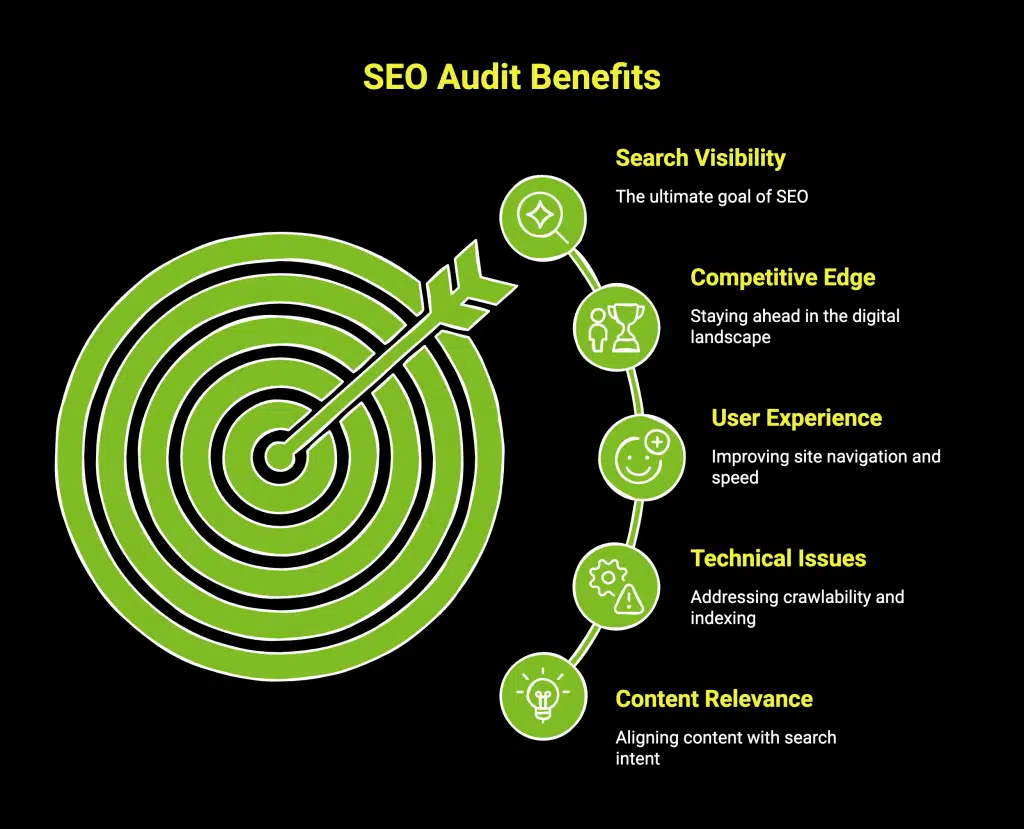
What are SEO issues on a website?
SEO issues are website conditions that prevent search engines from crawling, indexing, or ranking pages correctly. Google uses three stages to process a website: crawling, indexing, and ranking. An SEO issue blocks or weakens one of these three stages.
SEO issues fall into three categories:
- Technical SEO issues affect crawling and indexing. Examples include broken robots.txt rules, slow page speed, and missing XML sitemaps.
- On-page SEO issues affect content relevance. Examples include missing title tags, thin content, and duplicate meta descriptions.
- Off-page SEO issues affect authority. Examples include toxic backlinks and missing brand citations.
A single website often contains issues from all three categories. A technical SEO issues checker groups these problems by severity so owners fix high-impact errors first.
What are the most common SEO mistakes small businesses make?
The most common SEO mistakes small businesses make are targeting the wrong keywords, ignoring technical SEO, and publishing thin content. The table below ranks the 15 most frequent mistakes by how often they appear in small business audits and by their impact on rankings.
| # | SEO mistake | Category | Ranking impact |
|---|---|---|---|
| 1 | Targeting high-competition keywords | Strategy | High |
| 2 | No keyword research | Strategy | High |
| 3 | Missing or duplicate title tags | On-page | High |
| 4 | Thin or duplicate content | On-page | High |
| 5 | Slow page speed | Technical | High |
| 6 | No mobile optimization | Technical | High |
| 7 | Blocking pages in robots.txt | Technical | High |
| 8 | Missing XML sitemap | Technical | Medium |
| 9 | No internal linking | On-page | Medium |
| 10 | Ignoring local SEO | Strategy | Medium |
| 11 | Broken links and 404 errors | Technical | Medium |
| 12 | No HTTPS / SSL certificate | Technical | Medium |
| 13 | Keyword stuffing | On-page | Medium |
| 14 | Ignoring analytics data | Strategy | Medium |
| 15 | No schema markup | Technical | Low |
The following sections explain each category, its specific issues, and the fix for each.
What are the most common technical SEO issues?
Technical SEO issues are errors in a website’s infrastructure that stop search engines from crawling or indexing pages. Google’s crawler, Googlebot, reads a site’s code before it ranks the content. A technical error blocks Googlebot at this stage.
The most common technical SEO issues are:
- Slow page speed. Google measures speed with Core Web Vitals. Largest Contentful Paint (LCP) should load in 2.5 seconds or less. Interaction to Next Paint (INP) should measure 200 milliseconds or less. Cumulative Layout Shift (CLS) should score 0.1 or less. INP replaced First Input Delay (FID) as a Core Web Vital in March 2024.
- No mobile optimization. Google switched to mobile-first indexing for all websites by 2023. Googlebot indexes the mobile version of a page, not the desktop version.
- Blocked pages in robots.txt. A robots.txt file tells Googlebot which pages to crawl. A
Disallow: /rule blocks the entire site. - Missing XML sitemap. An XML sitemap lists every important URL on a site. It helps Googlebot discover pages faster.
- Broken links and 404 errors. A 404 error is an HTTP status code that signals a missing page. Broken links waste crawl budget and frustrate users.
- No HTTPS. HTTPS encrypts data with an SSL certificate. Google confirmed HTTPS as a ranking signal in 2014.

How do you fix technical SEO issues?
Fix technical SEO issues by auditing the site, prioritizing errors by severity, and correcting the code or configuration. The table below maps each technical issue to its fix and the tool that detects it.
| Technical SEO issue | Fix | Detection tool |
|---|---|---|
| Slow page speed | Compress images, enable caching, reduce JavaScript | PageSpeed Insights |
| No mobile optimization | Use responsive design, set viewport meta tag | Google Search Console |
| Blocked robots.txt | Remove Disallow rules for public pages | robots.txt tester |
| Missing sitemap | Generate sitemap.xml, submit to Search Console | Screaming Frog |
| Broken links / 404 | Redirect with 301 or restore the page | Ahrefs Site Audit |
| No HTTPS | Install SSL certificate, redirect HTTP to HTTPS | SSL checker |
| No schema markup | Add JSON-LD structured data | Rich Results Test |
What are common on-page SEO issues?
On-page SEO issues are content and HTML errors on individual pages that reduce relevance to a search query. On-page SEO controls how well a page matches a user’s search intent. Google reads title tags, headings, and body text to judge relevance.
The most common on-page SEO issues are:
- Missing or duplicate title tags. A title tag is the HTML element that names a page in search results. Each page needs one unique title tag under 60 characters.
- Thin content. Thin content is a page with little unique value. Google’s Helpful Content system demotes thin pages.
- Missing meta descriptions. A meta description is a 150–160 character summary shown under the title in search results.
- Poor heading structure. Each page needs one H1 heading and ordered H2 and H3 subheadings.
- No internal linking. Internal links pass authority between pages and help Googlebot discover content.
- Keyword stuffing. Keyword stuffing repeats a keyword unnaturally. Google penalizes this practice.
What are the SEO issues in WordPress?
WordPress SEO issues are configuration and plugin errors specific to the WordPress content management system. WordPress powers about 43% of all websites. Its default settings create three common SEO issues.
- Search engine visibility disabled. WordPress includes a setting under Settings → Reading that blocks all search engines. This setting adds a
noindextag to every page. - Default permalinks. WordPress uses
?p=123URLs by default. Change permalinks to the “Post name” structure for readable, keyword-rich URLs. - Duplicate content from tags and categories. WordPress creates archive pages for tags and categories. These pages duplicate content. Yoast SEO or Rank Math can add
noindextags to thin archives.
Fix WordPress SEO issues by enabling search engine visibility, setting clean permalinks, and installing one SEO plugin such as Yoast SEO or Rank Math.
What are the SEO issues on Shopify?
Shopify SEO issues are structural limitations built into the Shopify e-commerce platform. Shopify hosts over 4 million stores. Its URL structure and duplicate content behavior create recurring SEO issues.
- Forced URL structure. Shopify adds
/collections/,/products/, and/pages/to every URL. Store owners cannot remove these paths. - Duplicate product URLs. Shopify creates a duplicate URL when a product belongs to a collection. Shopify uses canonical tags to point search engines to the primary URL.
- Limited robots.txt editing. Shopify locked robots.txt before 2021. Shopify now allows edits through the
robots.txt.liquidfile. - Slow themes. Heavy Shopify themes with many apps slow page speed. Remove unused apps and compress theme images.
Fix Shopify SEO issues by keeping canonical tags active, editing robots.txt.liquid when needed, and auditing theme speed.
What are the SEO issues with React?
React SEO issues are indexing problems caused by client-side rendering in React and other JavaScript frameworks. React renders content in the browser after the page loads. Googlebot must execute JavaScript to see this content, which delays or blocks indexing.
- Client-side rendering delays indexing. Googlebot queues JavaScript pages for a second rendering pass. This pass can take days.
- Empty initial HTML. A default React app returns an empty
<div id="root">in its initial HTML. Search engines that do not run JavaScript see a blank page. - Missing meta tags. Single-page React apps often share one set of meta tags across all routes.
Fix React SEO issues with server-side rendering (SSR) or static site generation (SSG). Frameworks like Next.js render React content on the server before sending it to the browser. Next.js also sets unique meta tags per route with its Metadata API.
What is a generic login page and why does it cause SEO issues?
A generic login page is a sign-in page with no unique content, such as /login or /wp-admin. Generic login pages cause SEO issues when search engines index them instead of value pages. An indexed login page wastes crawl budget and shows a useless result to users.
Fix generic login page SEO issues with these steps:
- Add a
noindexmeta tag to the login page. - Block the login path in robots.txt with a
Disallowrule. - Remove internal links that point to the login page from public content.
How do you check for SEO issues on a website?
Check for SEO issues by running a website through an SEO audit tool that crawls every page and reports errors. An SEO issues checker instantly analyzes a site and groups problems by severity. The table below lists the main tools, their function, and their cost.
| Tool | Function | Cost |
|---|---|---|
| Google Search Console | Reports indexing and Core Web Vitals errors | Free |
| Google PageSpeed Insights | Measures Core Web Vitals scores | Free |
| Screaming Frog SEO Spider | Crawls up to 500 URLs and lists errors | Free tier / paid |
| Ahrefs Site Audit | Scores site health and lists 100+ issue types | Paid |
| Semrush Site Audit | Crawls and prioritizes technical issues | Paid |
| Ubersuggest | Runs a quick site audit for beginners | Free tier / paid |
Run a site audit at least once per month. Fix high-severity issues first, then medium and low severity.
How do you avoid common SEO mistakes?
Avoid common SEO mistakes by following a fixed process before and after publishing each page. The checklist below prevents the 15 mistakes listed earlier.
- Research keywords first. Target long-tail keywords with lower competition. Use Google Keyword Planner or Ubersuggest.
- Write one unique title tag per page. Keep each title under 60 characters.
- Publish content over 300 words with unique value. Match the content to the search intent.
- Test page speed monthly. Keep LCP under 2.5 seconds.
- Use responsive design. Test on mobile with Google Search Console.
- Submit an XML sitemap to Google Search Console.
- Add internal links from new pages to related pages.
- Claim a Google Business Profile for local SEO.
- Install an SSL certificate and force HTTPS.
- Review analytics monthly in Google Analytics 4 and Search Console.
Frequently Asked Questions
What are SEO issues?
SEO issues are website errors that stop search engines from crawling, indexing, or ranking pages. They divide into technical, on-page, and off-page categories.
How do I instantly analyze my SEO issues?
Run the site through Google PageSpeed Insights for speed and Google Search Console for indexing. Both tools are free and report issues within minutes.
What is a technical SEO issues checker?
A technical SEO issues checker is a tool that crawls a website and reports crawling and indexing errors. Screaming Frog, Ahrefs Site Audit, and Semrush Site Audit are common checkers.
What are the most common SEO issues on a website?
The most common SEO issues are slow page speed, missing title tags, thin content, no mobile optimization, and blocked pages in robots.txt.
How do you fix technical SEO issues fast?
Fix technical SEO issues by auditing the site, sorting errors by severity, and correcting the highest-impact errors first, such as blocked pages and slow speed.
Do small businesses need schema markup?
Schema markup helps search engines show rich results like star ratings and business hours. It has low direct ranking impact but improves click-through rate.
How often should a small business check SEO issues?
A small business should run a full SEO audit once per month and check Google Search Console weekly for new indexing errors.
